Delete a watchlist
Last updated: September 11, 2026
To delete a watchlist you've created or uploaded, follow these steps:
Navigate to the Home tab
Select the watchlist you would like to delete at the top of the page using the dropdown.
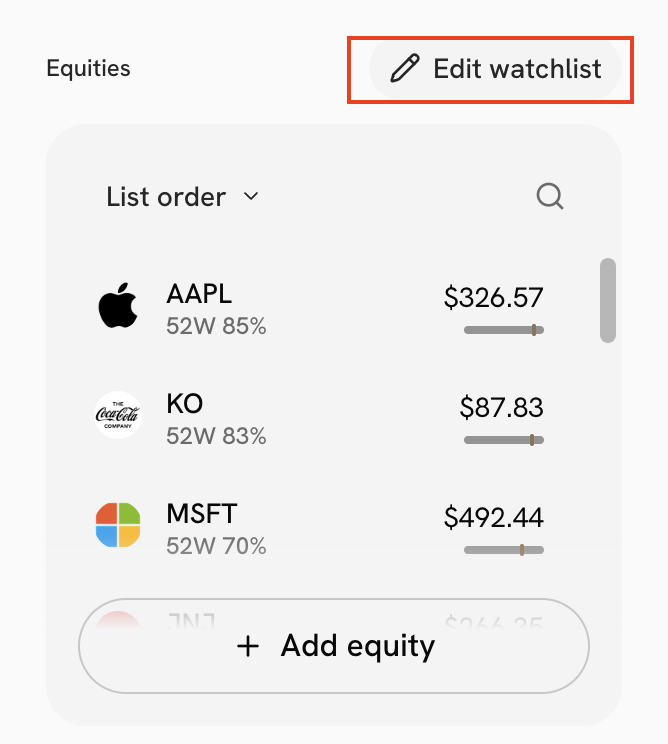
Click Edit watchlist located above the Equities widget. A pop-up window will appear.
Click Delete watchlist at the bottom left corner of the window.
Important: You cannot recover a deleted watchlist.