Turning a question into a recurring agent
Last updated: September 8, 2026
Any answer in Research can become an agent — a comprehensive workflow that can be kept running and updating instead of being a one-time answer. There are several ways to create an agent:
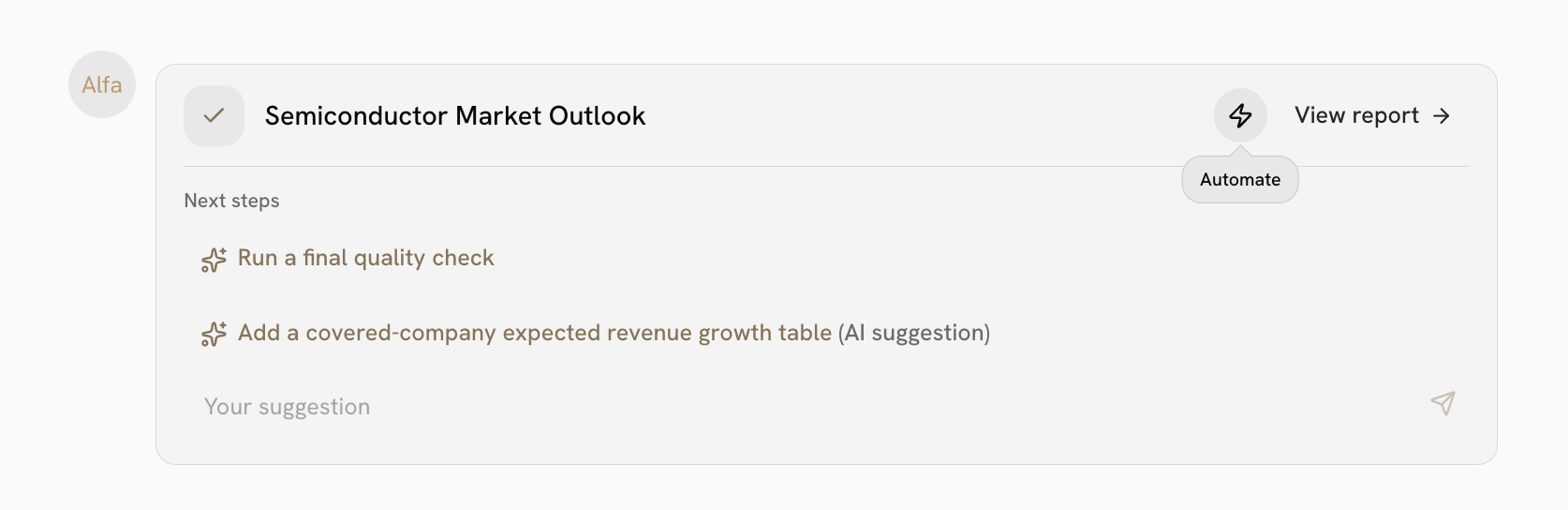
Automatically. If your query requires extensive research, and/or requires complex formatting, Alfa will decide to output an agent instead of a simpler in-chat response. If Alfa has chosen to create an agent, you'll first see a "Building" card with a task list and live progress on each step. When the agent is ready, hit View report to see the output. Feel free to run a final quality check, or add a suggested section.
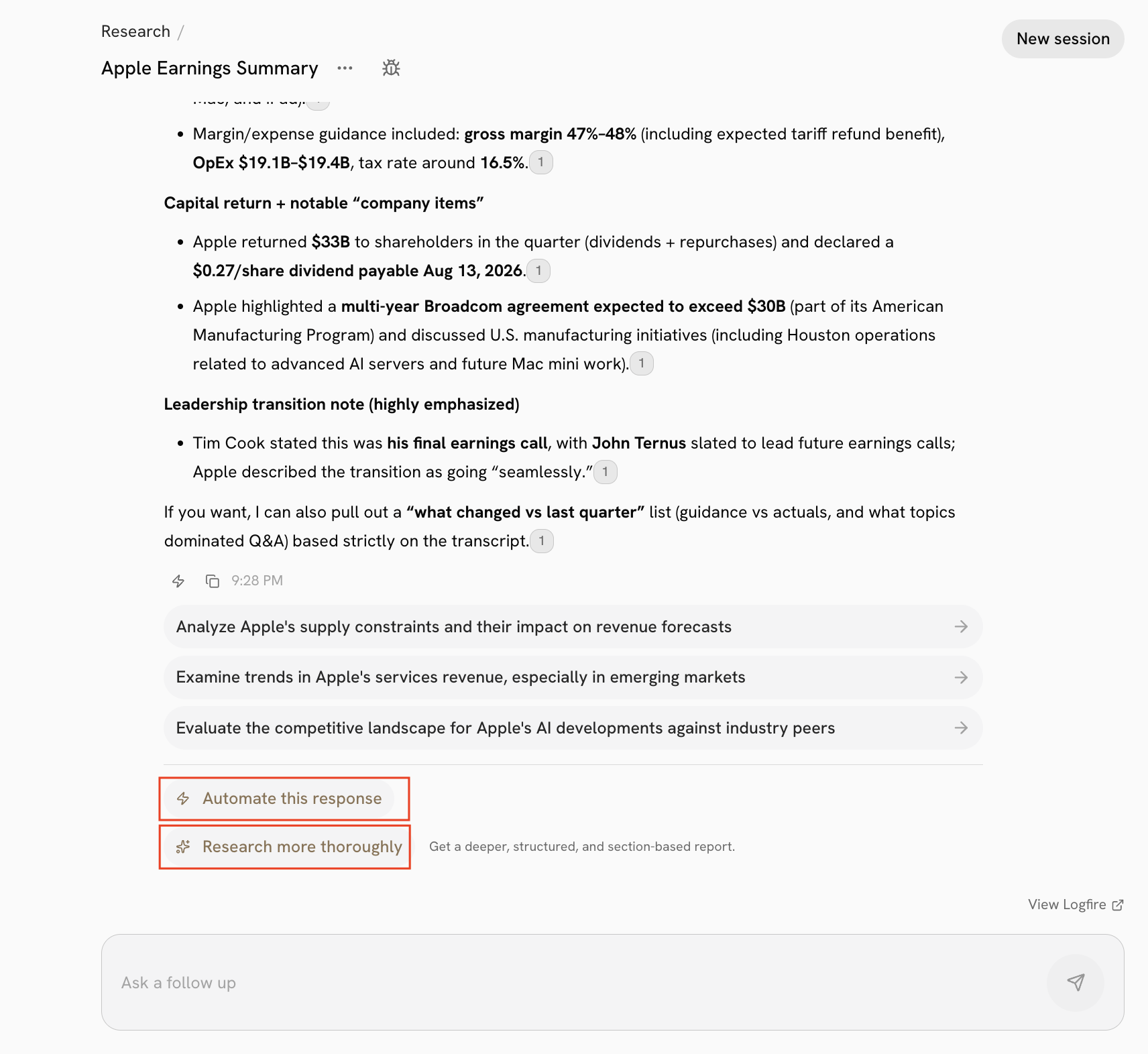
Convert an in-chat answer into an agent. If Alfa gave you an in-chat answer, click Research more thoroughly underneath it to turn it into an agent which uses the same agent-creation process as above.
Automate the answer as-is. If you don't need a deeper report and just want the exact question you asked to keep re-running, click Automate this response instead — this schedules the same in-chat answer to refresh automatically on a custom schedule, without upgrading it into an agent.